AI Art Education for Kids: The 2026 Guide to Safe & Creative Learning
Table of Contents
AI Art Education for Kids: The 2026 Guide to Safe & Creative Learning
Last updated: 2026 | Reading time: 7 min
Introduction
AI-generated art is everywhere in 2026 — in advertisements, social media, video games, and even school projects. And if your child hasn’t already asked to try it, they will soon. The parental instinct to hesitate is completely valid: Is this just more passive screen time? Will it kill their motivation to learn real drawing? Is it even safe?
Here’s the reassuring answer: AI art education kids benefit from most is the kind that starts with crayons, not code. When introduced through a structured, physical-first framework, AI becomes a creativity amplifier — not a replacement for imagination. This guide provides an educator-approved method for blending traditional art skills with AI tools in a way that builds vocabulary, strengthens fine motor development, and keeps your child’s safety front and center.
The Physical-to-Digital Method: Why Real Drawing Comes First
The most effective approach to AI art education for kids begins completely offline. Before a child ever opens an app or types a prompt, they need hands-on experience with the fundamentals: holding a pencil, choosing colors intentionally, understanding line weight, and filling space on a page.
This isn’t old-fashioned thinking — it’s developmental science. The fine motor control built by coloring inside lines, shading with pressure variation, and drawing freehand shapes creates neural pathways that touchscreen interaction simply doesn’t replicate. Color theory, spatial composition, and visual storytelling are all skills children absorb naturally through physical art long before they can articulate them.
The “physical-to-digital method” works like this:
- Build foundational skills offline using printed coloring pages, drawing tutorials, and open-ended sketchbook time.
- Introduce AI as a transformation tool — not a creation tool. The child makes the art; the AI reimagines it.
- Discuss the result together. What changed? What do you like better? What would you do differently?
This sequence ensures that AI serves the child’s creativity rather than substituting for it.
Step-by-Step: How to Turn a Child’s Sketch into an AI Masterpiece
This four-step process is designed to be repeatable, safe, and educational at every stage.
Step 1: The Offline Draft
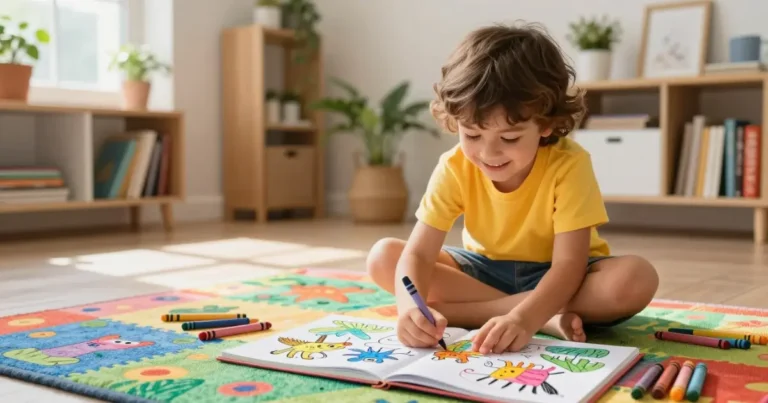
Start with a printed coloring page, a drawing tutorial, or a blank sheet and a prompt like “Draw your dream treehouse.” The goal is a piece of physical artwork the child is proud of. It doesn’t need to be polished — it needs to be theirs.
Step 2: The Scan
Photograph the artwork in good, even lighting. Lay the page flat, avoid shadows, and snap from directly above. For older kids, this is a mini photography lesson in framing and lighting. Save the image to a shared family folder — never upload directly to an app without reviewing it first.
Step 3: The Prompt Crafting
This is where AI art education kids find genuinely surprising becomes a literacy exercise. To get a good result from an AI tool, a child must describe what they want in precise, vivid language:
- Not “make it cool” → but “a treehouse in a jungle with glowing lanterns at sunset, watercolor style.”
- Not “add a dragon” → but “a small, friendly dragon with green scales sitting on the roof.”
Prompt crafting teaches adjectives, spatial prepositions, mood vocabulary, and stylistic awareness. It’s descriptive writing with an immediate visual payoff — a combination that holds children’s attention far longer than a worksheet.
Step 4: The AI Transformation
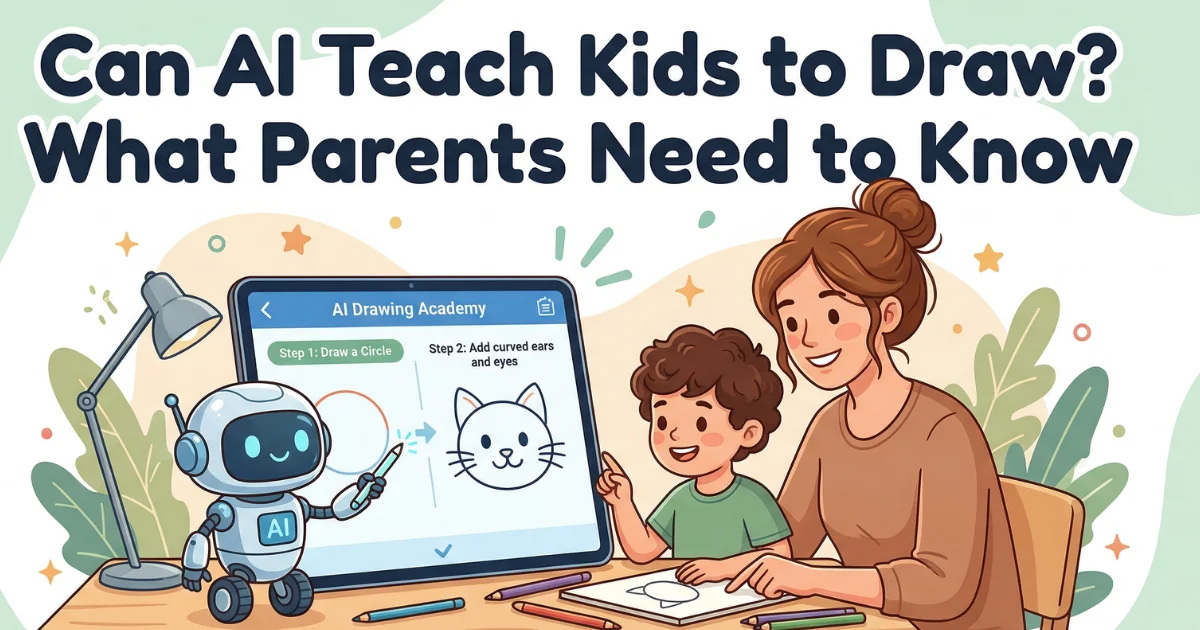
Using a child-safe AI image generator (see the safety checklist below), upload the scan and apply the prompt. Review the output together. Ask:
- “What did the AI change from your original?”
- “Which version do you like more — yours or the AI’s? Why?”
- “What would you tell the AI to do differently next time?”
These questions build critical thinking and keep the child positioned as the creative director, not a passive consumer.
The 2026 Educator’s Checklist for Safe AI Tools
Not every AI art tool is appropriate for children. Before letting your child use any platform, verify the following:
- COPPA compliance. Does the tool explicitly state it complies with the Children’s Online Privacy Protection Act? If it doesn’t mention COPPA, assume it isn’t designed for children.
- Photo training policy. Does the platform use uploaded images to train its AI model? For education kids’ safety, choose tools that do not retain or train on submitted artwork.
- Content filters. Are there strict blocklists preventing inappropriate text prompts and image outputs? Test this yourself before handing it to your child.
- No hidden fees. Are there manipulative in-app purchases, loot-box mechanics, or subscription traps? The safest tools have transparent, upfront pricing.
- Offline capability. Can the tool function without a persistent internet connection? Offline mode reduces data exposure and eliminates ad serving.
- Parent dashboard. Does the platform offer visibility into what your child creates and uploads?
Rule of thumb: If you can’t find a privacy policy within two taps of opening the app, move on.
3 Educational AI Art Projects to Try This Weekend
The Prompt Vocabulary Game (Ages 5–7)
What you need: Paper, crayons, a safe AI image tool.
Have your child draw a simple animal. Then, together, build a prompt using a vocabulary scaffold:
| Category | Example Words |
|---|---|
| Color | golden, spotted, midnight-blue |
| Size | tiny, enormous, medium-sized |
| Setting | underwater, on a mountain, in a kitchen |
| Mood | happy, mysterious, sleepy |
| Style | cartoon, watercolor, pixel art |
Combine one word from each row into a prompt: “A tiny, golden, sleepy cat in a kitchen, watercolor style.” Run it through the AI and compare the result to the child’s drawing. This game builds adjective vocabulary, categorical thinking, and cause-and-effect reasoning.
“Finish the Drawing” Collaboration (Ages 8–10)
The child draws half of a scene — the left side of a landscape, for example — and the AI generates the right side based on a prompt. Then the child draws their own version of the right side on paper and compares. Which is more interesting? Which tells a better story? This teaches composition, symmetry, and artistic intention.
Designing a Comic Book Character (Ages 11+)
Older kids sketch a character, write a detailed character bio (name, personality, powers, backstory), craft a multi-sentence prompt, and generate AI variations. They then choose their favorite elements from each version and draw a final “definitive” character design by hand. This project integrates creative writing, visual design, iteration, and editorial decision-making — skills that mirror professional concept art workflows.
Frequently Asked Questions
Does AI art discourage kids from learning to draw? Not when introduced correctly. Research on creative tool adoption in education consistently shows that new mediums expand a child’s artistic range rather than narrowing it — the same way photography didn’t kill painting. The key is sequencing: physical skills first, AI as an enhancement second. Children who draw before they prompt maintain stronger intrinsic motivation to keep drawing.
What is the safest AI image generator for students? As of 2026, tools with the strongest child-safety profiles include Canva for Education (teacher-managed, content-filtered), Adobe Firefly (trained on licensed content only, with family plan restrictions), and Krita with local AI plugins (fully offline, no data leaves the device). Always verify COPPA compliance and photo-training policies before use.
How can AI art teach children vocabulary and literacy? Prompt crafting is, at its core, descriptive writing. To get a meaningful result, a child must use precise adjectives, spatial language, mood vocabulary, and stylistic terms. This makes AI art education kids engage with a uniquely motivating context for language development — they see their words transformed into images in seconds, creating a feedback loop that reinforces expressive vocabulary far more effectively than traditional exercises.
Conclusion
AI is just another tool in the art box — a powerful one, but no more magical than the first time a child picked up a paintbrush and realized they could make marks that meant something. The difference is that this tool requires guided, safe exploration. Without structure, it becomes passive consumption. With the right framework — physical art first, prompt crafting as a literacy exercise, safety checks in place — it becomes one of the most engaging creative learning experiences available to children in 2026.
Ready to start? Download a free bundle of coloring pages to use as your child’s very first “base image” for AI experimentation. Then share the physical-to-digital transformation in our Kids Activities Community — parents inspiring parents is how the best ideas spread.